Can your parts and engineering know-how help AI design your next machine?
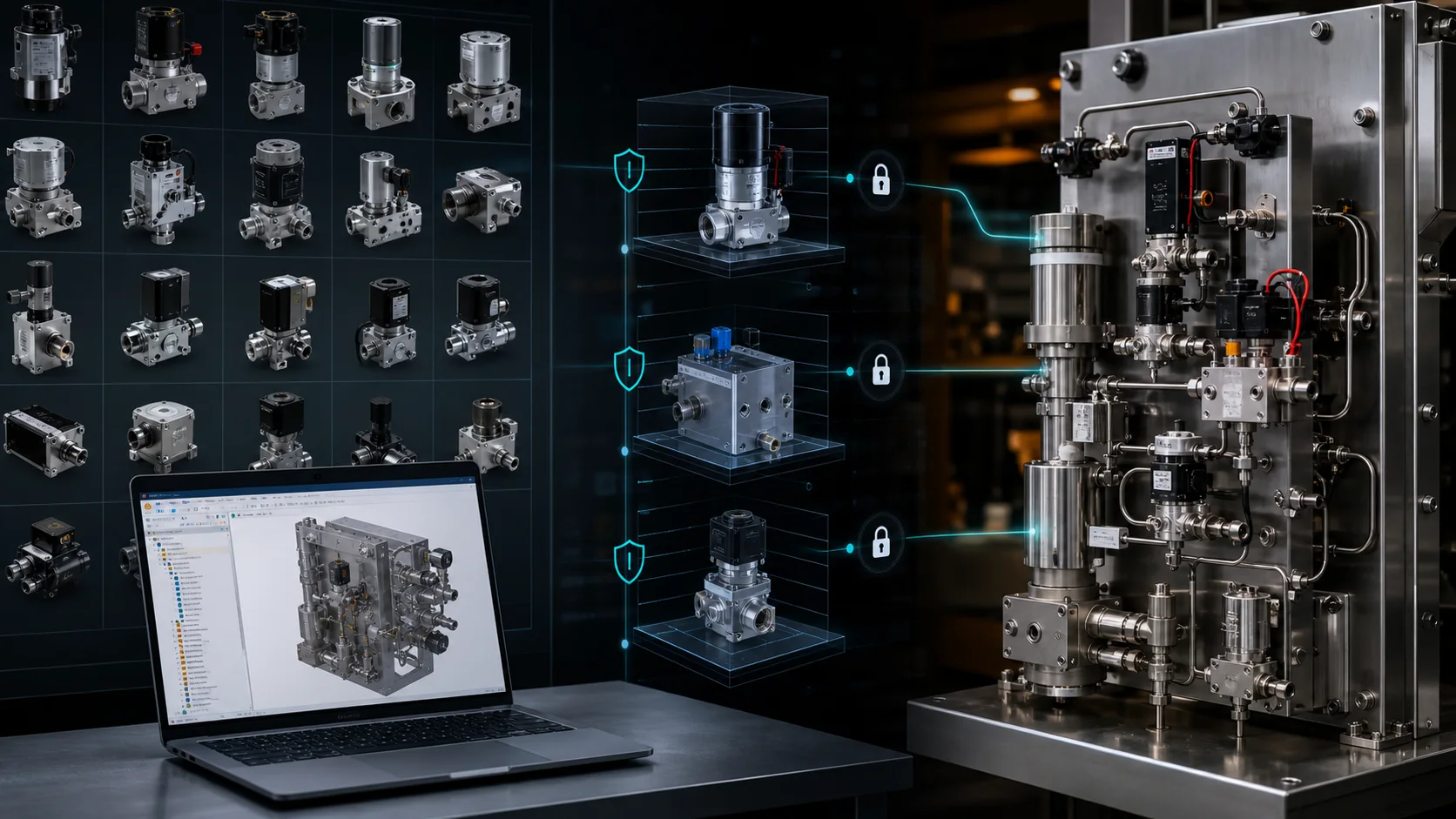
MST imports the existing component models your team prepares from its own PDM library. Mechanical Assembly AI uses these approved models and configured engineering rules to create a new SOLIDWORKS equipment assembly, preserving each part’s identity, revision and customer-authorized source.
01 / YOUR STARTING POINT
Prepare the parts for one equipment assembly.
Start with a recurring task your semiconductor gas-equipment design team already handles: a revised module, a different component combination or a layout change. Choose one representative assembly to evaluate.
Your team supplies its own existing PDM model library for MST to import and use. Begin with the approved subset needed for the task; agree access and transfer before sharing protected files.
Open the component-library preparation guide
Need to create a 3D model from an existing 2D drawing? That is a separate MST module with its own input and review scope. See 2D CAD to 3D model generation.
02 / WORKING WITH MST
Bring your design task. Agree the implementation together.
03 / YOUR MODELS AND ACCESS
Keep your source library under your control.
The default integration reads the approved source models and creates a separate project assembly. It does not silently overwrite released master models. Any PDM write-back or lifecycle change requires a separately approved workflow.
Depending on your environment, agree a configured customer-side adapter or an approved, fixed export of the required files and metadata. Confirm permissions, retention and release authority before access. A filename alone is not enough to identify an approved revision.
04 / EQUIPMENT AND DEPLOYMENT
Start with a defined equipment family.
For an already supported equipment class, the work centers on bringing your authorized models and interfaces into the configured workflow. A new equipment class needs its own engineering rules and validation, developed with the customer. A folder of parts alone does not define a design process.
Each PDM vendor, schema and vault policy needs its own integration review; universal plug-and-play compatibility is not claimed. Your engineers remain responsible for accepting the design and approving production release.
Cloud deployment uses team accounts opened by MST. Private deployment uses an enterprise license plus implementation fees, with the scope agreed for your environment. Compare deployment options.
Your first assembly task
Which repeated design task should we look at first?
Tell us what equipment you design, which PDM or controlled model library you use, and what your engineers need to inspect. A non-confidential description is enough to start; the contact form does not accept model uploads.
Discuss your assembly taskANSWER-READY NEXT STEPS