
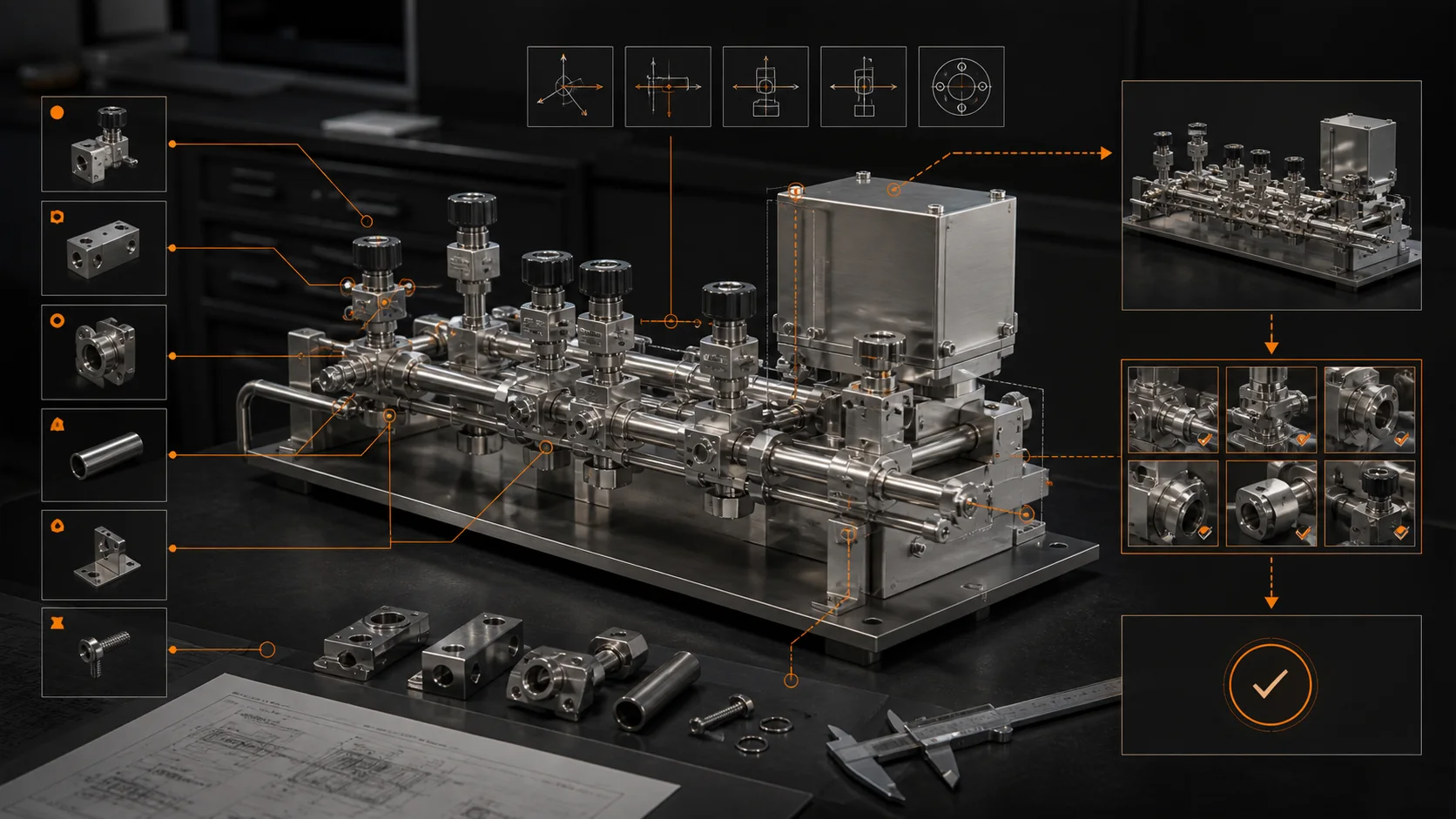
SOLIDWORKS’ September 2026 R2026x FD04 update places more attention on reviewing engineering changes. Its official overview describes LEO assistance for sketch-error analysis and quality checks, assembly change-impact assessment, and drawing generation.
Date context: this article was reviewed on September 27. The vendor identifies the release as September 2026; this is not a claim that it launched today. Features and availability should be checked against the customer’s particular SOLIDWORKS offering and entitlement.
The practical problem: a local change has downstream consequences
An engineer may change a part, repair its mates and still miss a dependent drawing or BOM. Our editorial takeaway is to evaluate assistance against the whole review task: locate the affected assembly, inspect its constraints, identify changed sheets and reconcile the released parts list.

A small evaluation your team can repeat
- Choose a copied, approved test assembly with a known BOM and drawing register.
- Make one controlled part or quantity change. Record the expected downstream documents before using assistance.
- Inspect mate and rebuild results in the CAD system. Compare the old and new exported BOMs and drawing registers.
- Record missed changes, false alarms and the engineer’s correction work. Keep that evidence alongside the software version.
Connect the update to an immediate task
The assembly-mates troubleshooting tutorial provides a structured diagnosis workflow. Our BOM Compare and Drawing Register Compare inspect reviewed CSV exports and help prepare a change list. They do not inspect native CAD dependencies or replace SOLIDWORKS’ assembly analysis.
Source: the official SOLIDWORKS Design What’s New overview, reviewed September 27, 2026; the source link appears below. The evaluation procedure is MST editorial guidance. July’s FD03 large-assembly management features are a separate earlier update.
Primary source: What’s New in SOLIDWORKS Design — R2026x FD04, September 2026
MST Engineering Intelligence. “SOLIDWORKS September update: reviewing errors and downstream change.” MST Engineering Intelligence. Updated 2026-09-27. https://mst-us.ai/solidworks-september-2026-design-review-updates/
FOR EQUIPMENT MANUFACTURERS AND DESIGN TEAMS
Talk to the engineering team.
Tell us what your team designs and which repetitive task you want to improve. A short, non-confidential description is enough to discuss a relevant demo. Arrange a private channel with MST before sharing company drawings or models.
Operated by MOORE SOLUTION TECHNOLOGY PTE. LTD. · Singapore UEN 202315239E